Overview
In the latest version of Sign Made Easy, v1.22.10, we have introduced exciting new features and resolved several bugs to enhance users' experience.
Here’s a summary of what’s new!
Major Feature Updates
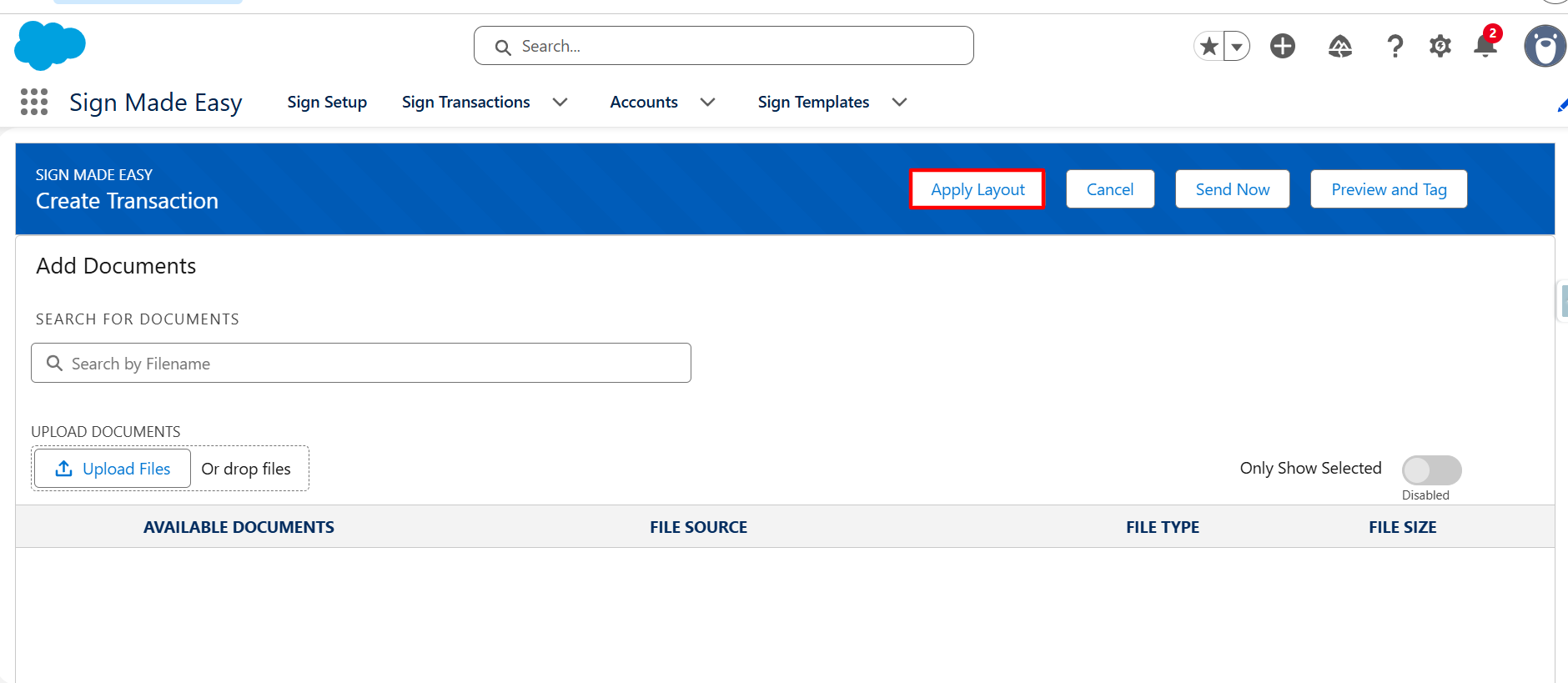
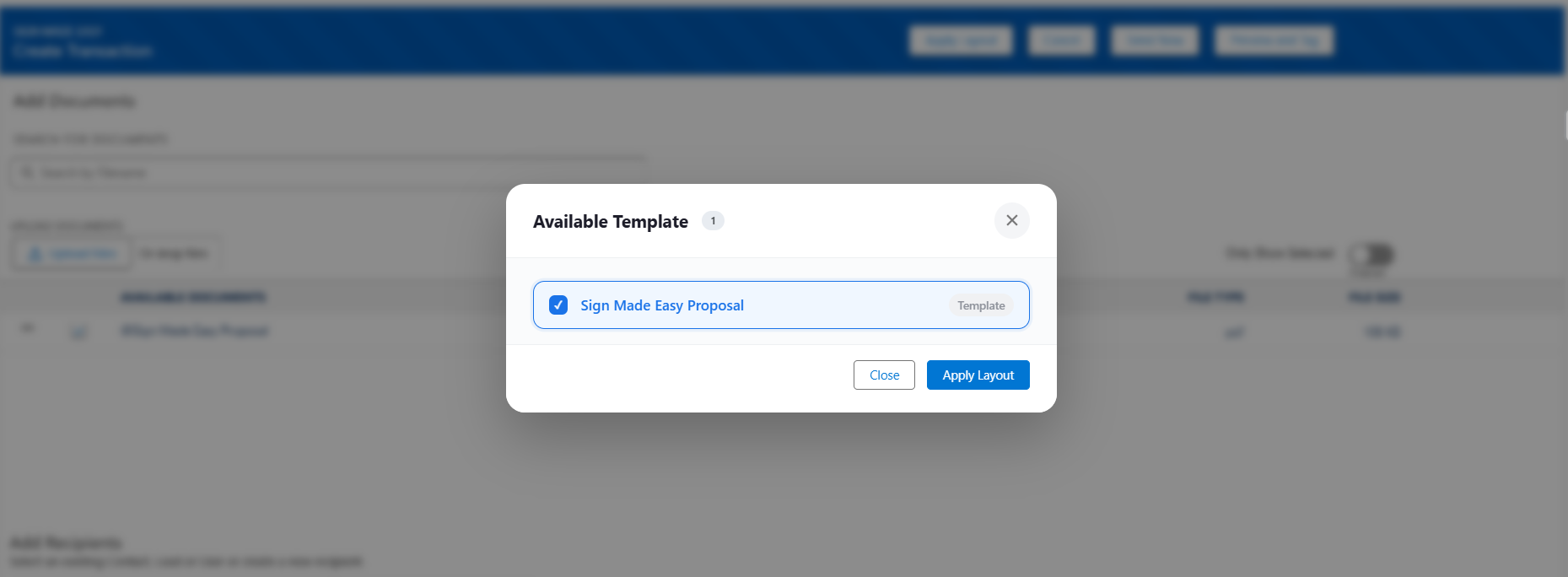
Template Matching:
Template Matching automatically compares your uploaded document with a saved template and applies all details like recipients, messages, and signing fields.
Major Enhancement
Hebrew Language Support:
Users can now send signature transactions in Hebrew as well, Sign Made Easy now supports 19 languages.
Bug Fixes
Known Issue: Existing sign template tags for All Related and Related Recipients were not populated in transactions after upgrading to a newer package version.
Fixed: Existing sign template tags for All Related and Related Recipients are now fixed.
Known Issue: Text area resize functionality was not working as expected.
Fixed: Resolved the text area resize issue. Text areas can now be resized as expected.
Known Issue: Some application settings were not preserved after upgrading the package.
Fixed: Added the Sync to v2 button to securely preserve and synchronize essential application settings during package upgrades, ensuring existing configurations are retained after the upgrade.
Important Note / Warning
Before upgrading to this release, ensure that all pending signing transactions are completed.
Warning: For transactions that were created before the package upgrade and remain in a pending state, the Notify User and Enable Document Cloning features will not work or function as expected after the upgrade. These enhancements will only apply to transactions created after the package has been upgraded.
We recommend completing all pending transactions prior to performing the upgrade.
If you are currently on the Pro plan, please contact the Support team before upgrading your package to ensure a smooth transition and avoid any potential service disruptions.
Note: If you are upgrading from v1.21.9 or an earlier version,re-configure the Sign Made Easy app and click the Sync to V2 button is required after the upgrade.
Was this article helpful?
That’s Great!
Thank you for your feedback
Sorry! We couldn't be helpful
Thank you for your feedback
Feedback sent
We appreciate your effort and will try to fix the article