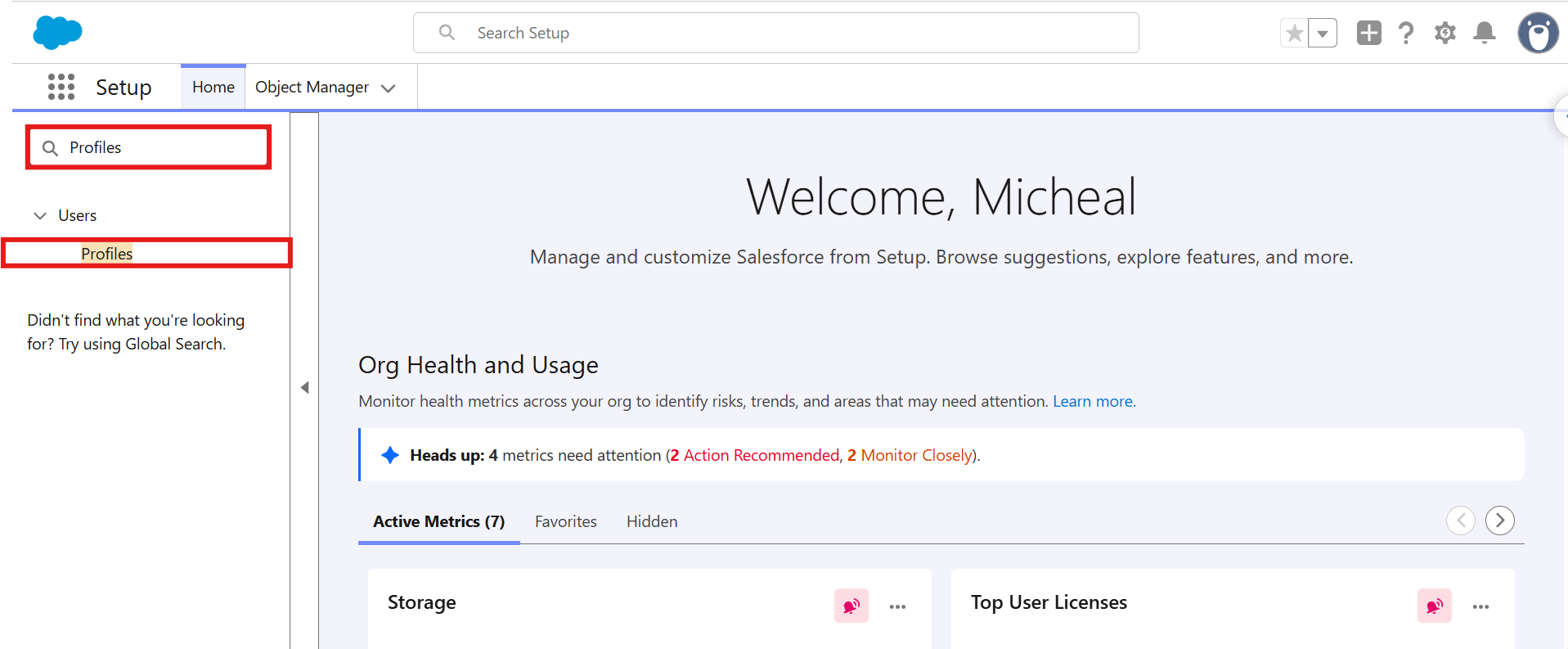
Step 1:- Navigate to the home page and search Profile in Quick Find and Open it. 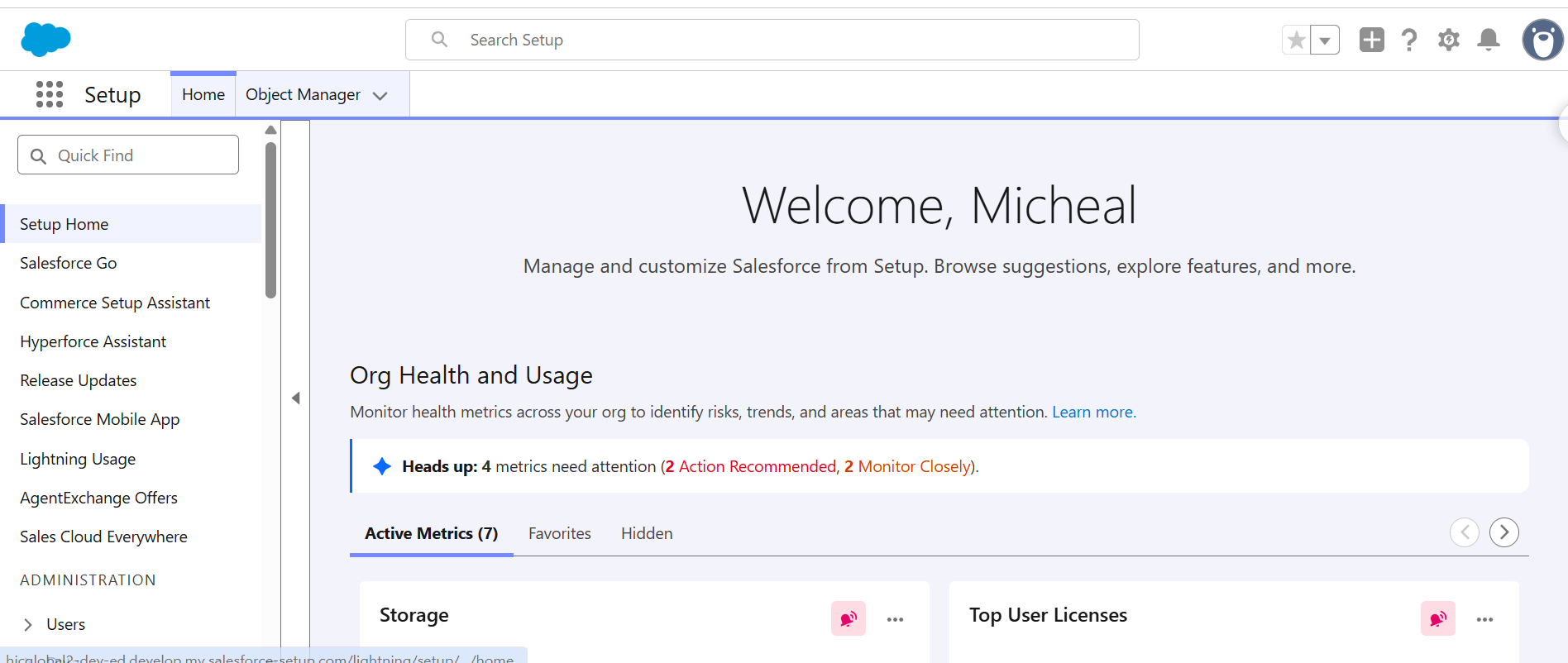
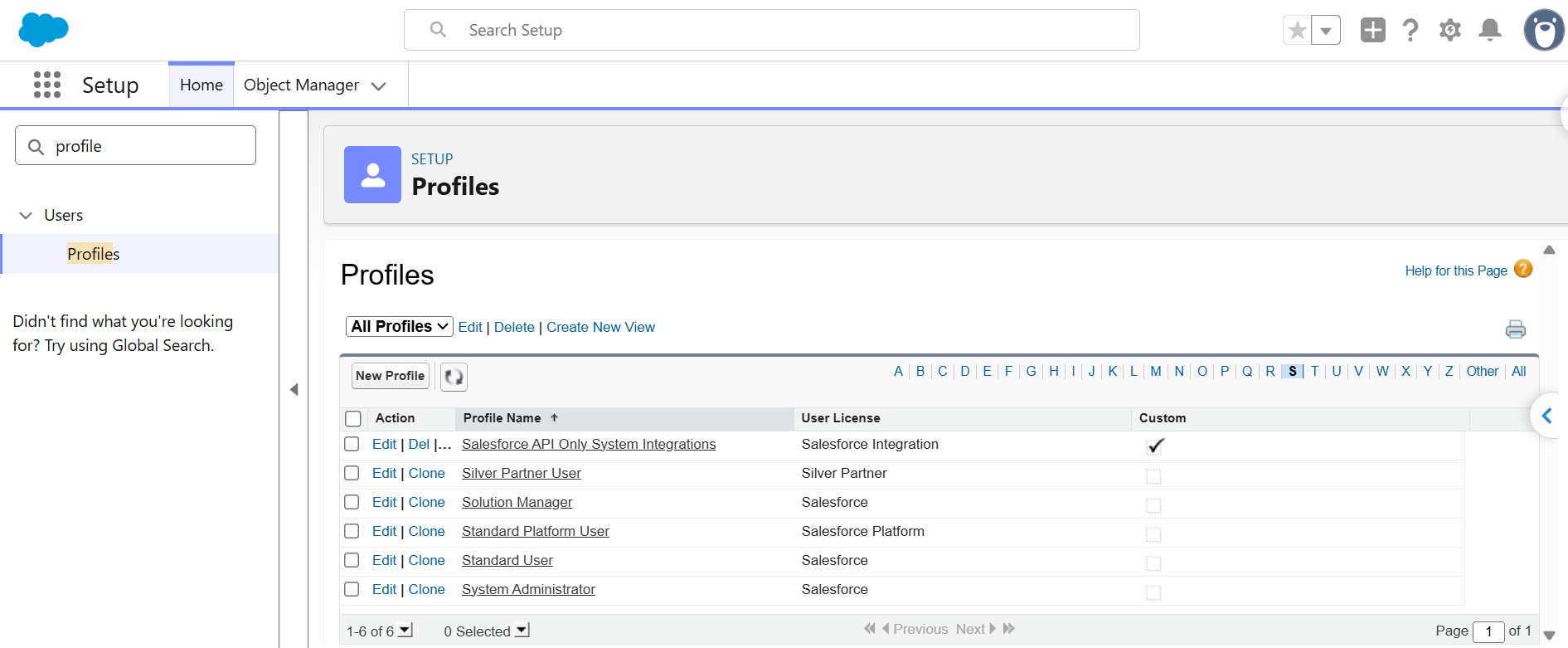
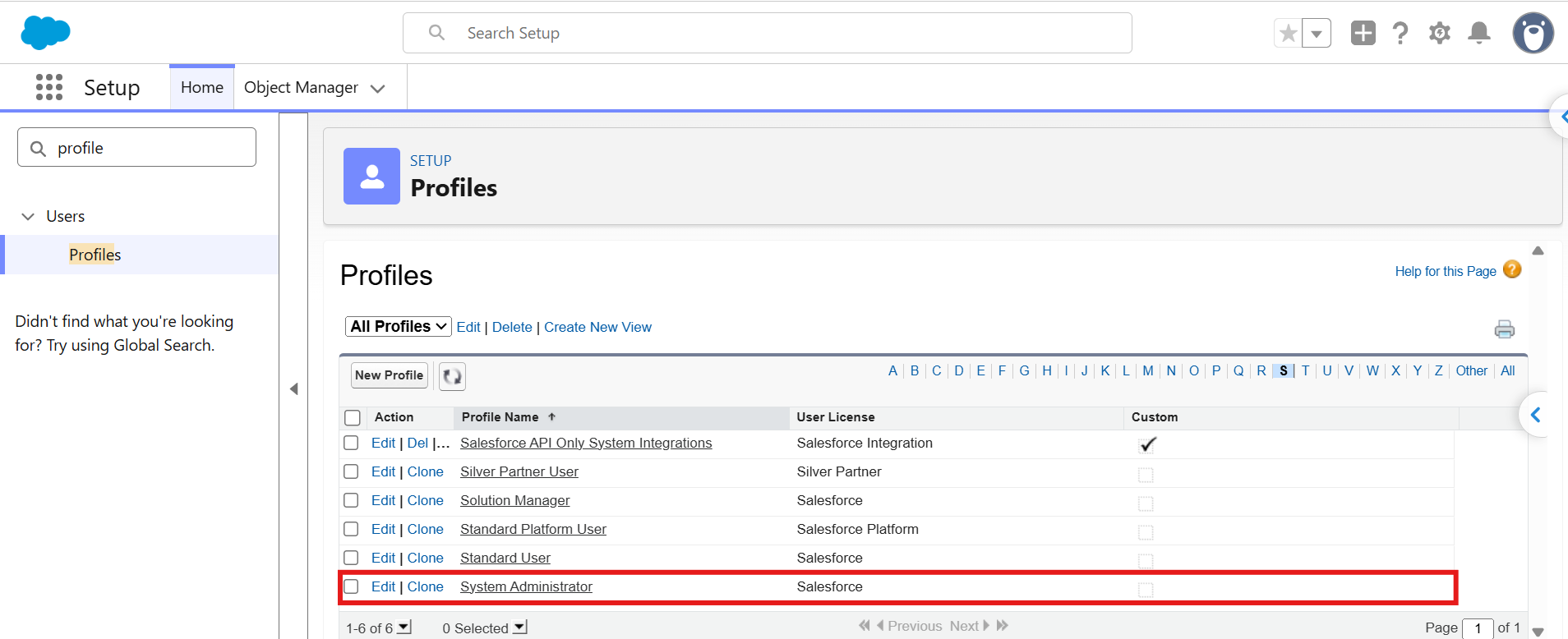
Step 2:- Select the profile to which you want to assign custom permissions. For example, you can select System Administrator or Standard User, depending on your requirements.
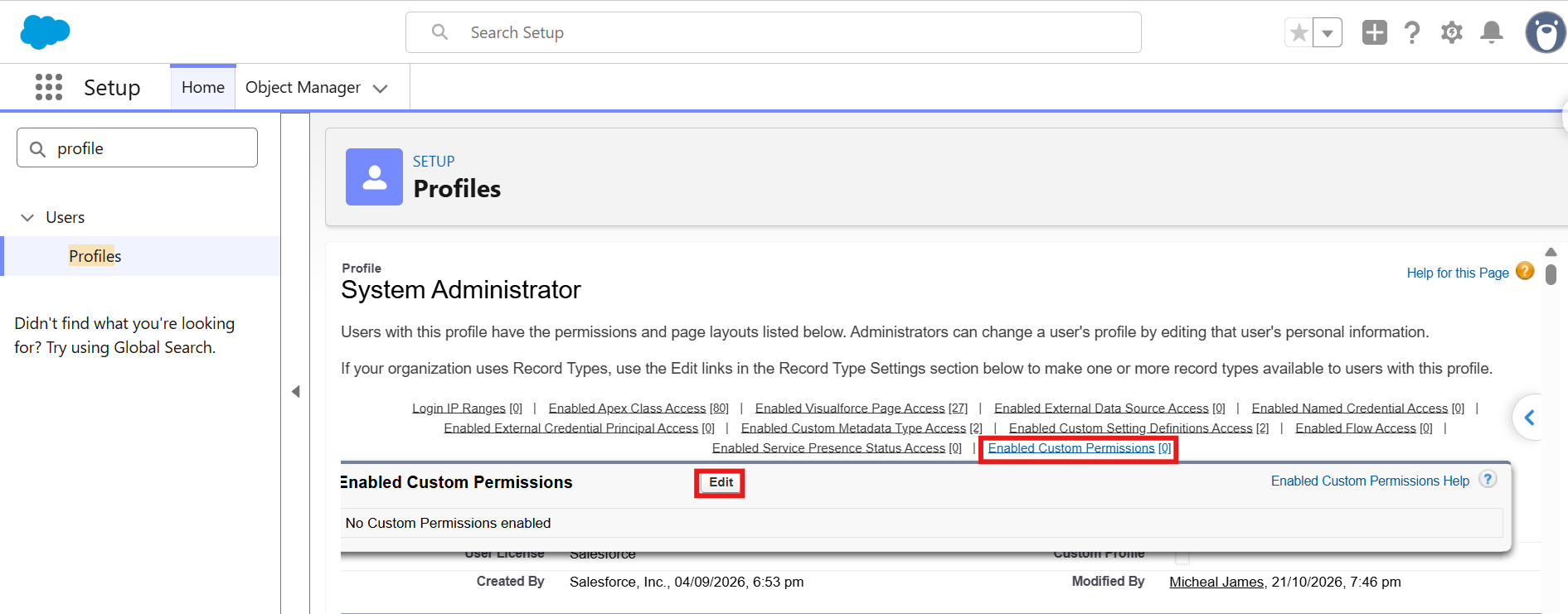
Step 3:- Click on the Enable Custom Permission and Edit it.
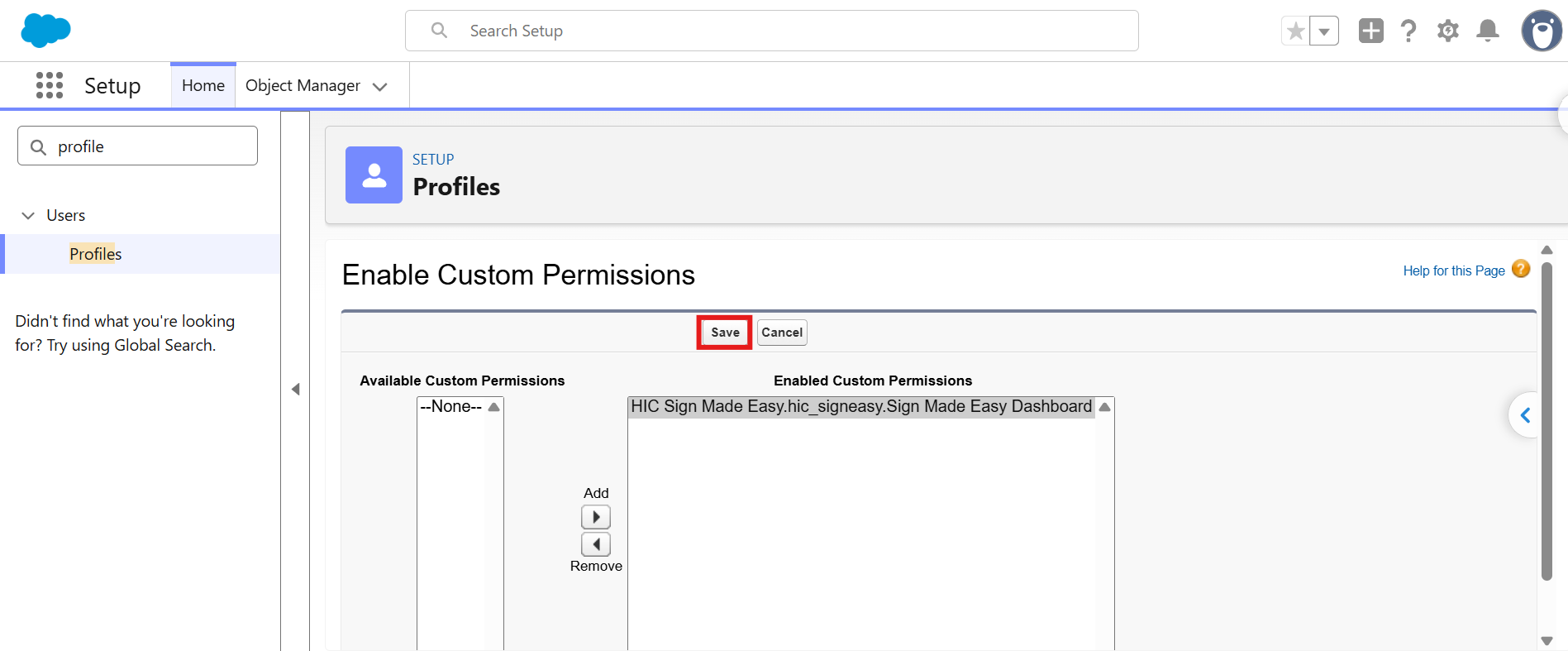
Step 4 :- Assign the Custom Permission and Save it. 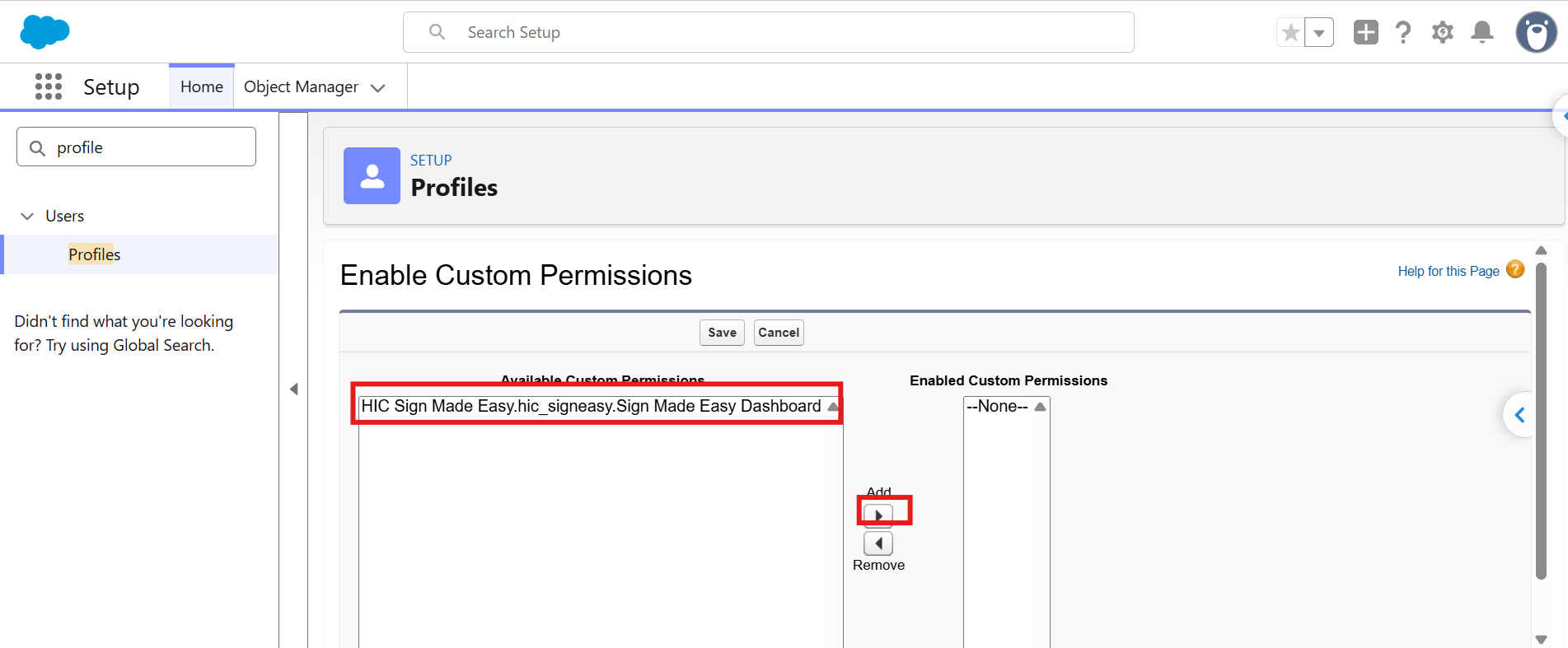
Was this article helpful?
That’s Great!
Thank you for your feedback
Sorry! We couldn't be helpful
Thank you for your feedback
Feedback sent
We appreciate your effort and will try to fix the article